Search your
library with words,
not timestamps.
A native Mac app that reads your videos, audio, photos and PDFs — so you can find any moment just by describing it. Everything stays on your machine.
Three steps, no cloud accounts, no uploads.
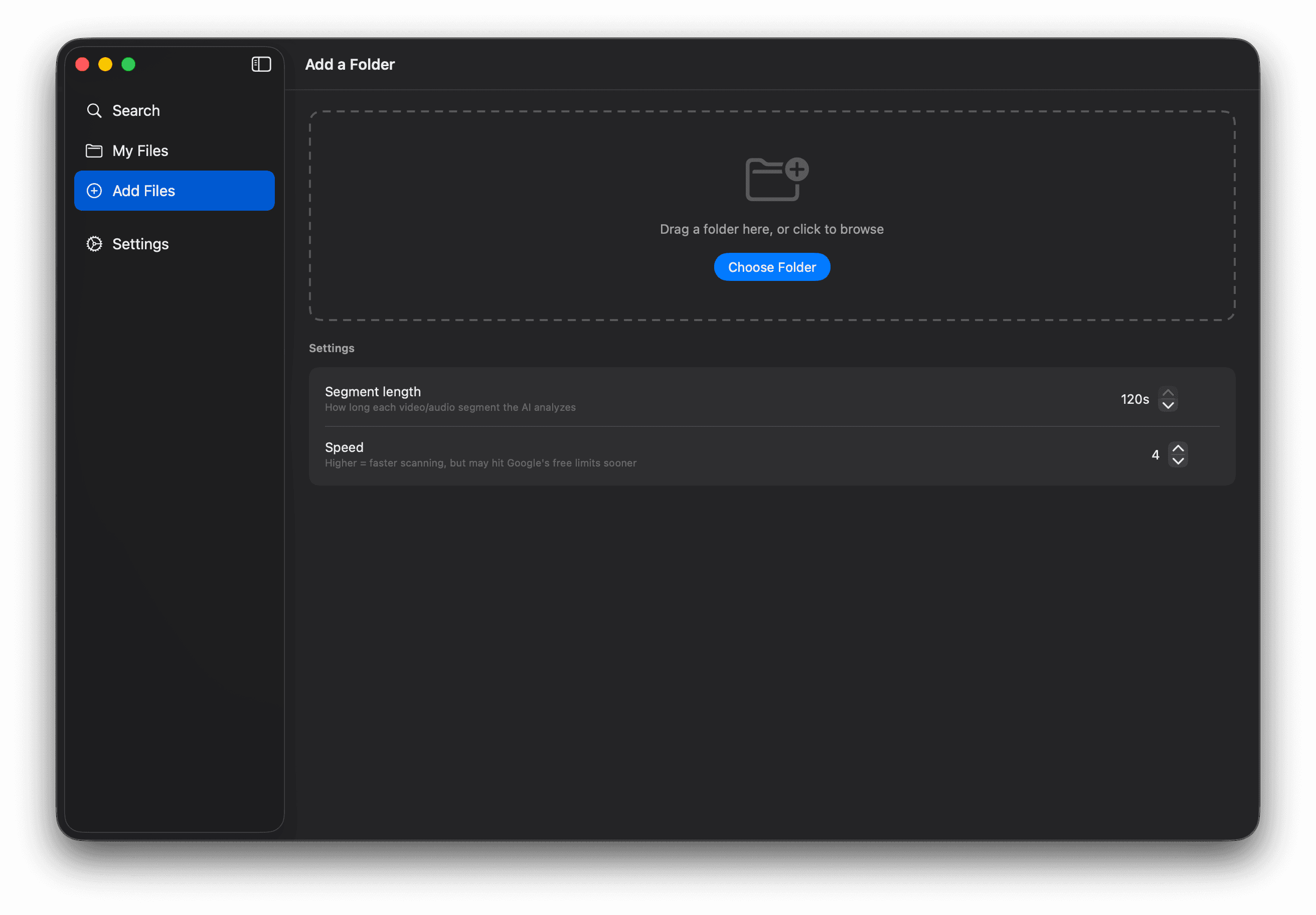
Point to a folder.
Drag one in, or browse for it. HyperArc picks up from there — no setup to wrestle with.
Let it watch and learn.
HyperArc watches every scene, listens to every minute, reads every page. All of it happens quietly on your Mac.
Ask for what you remember.
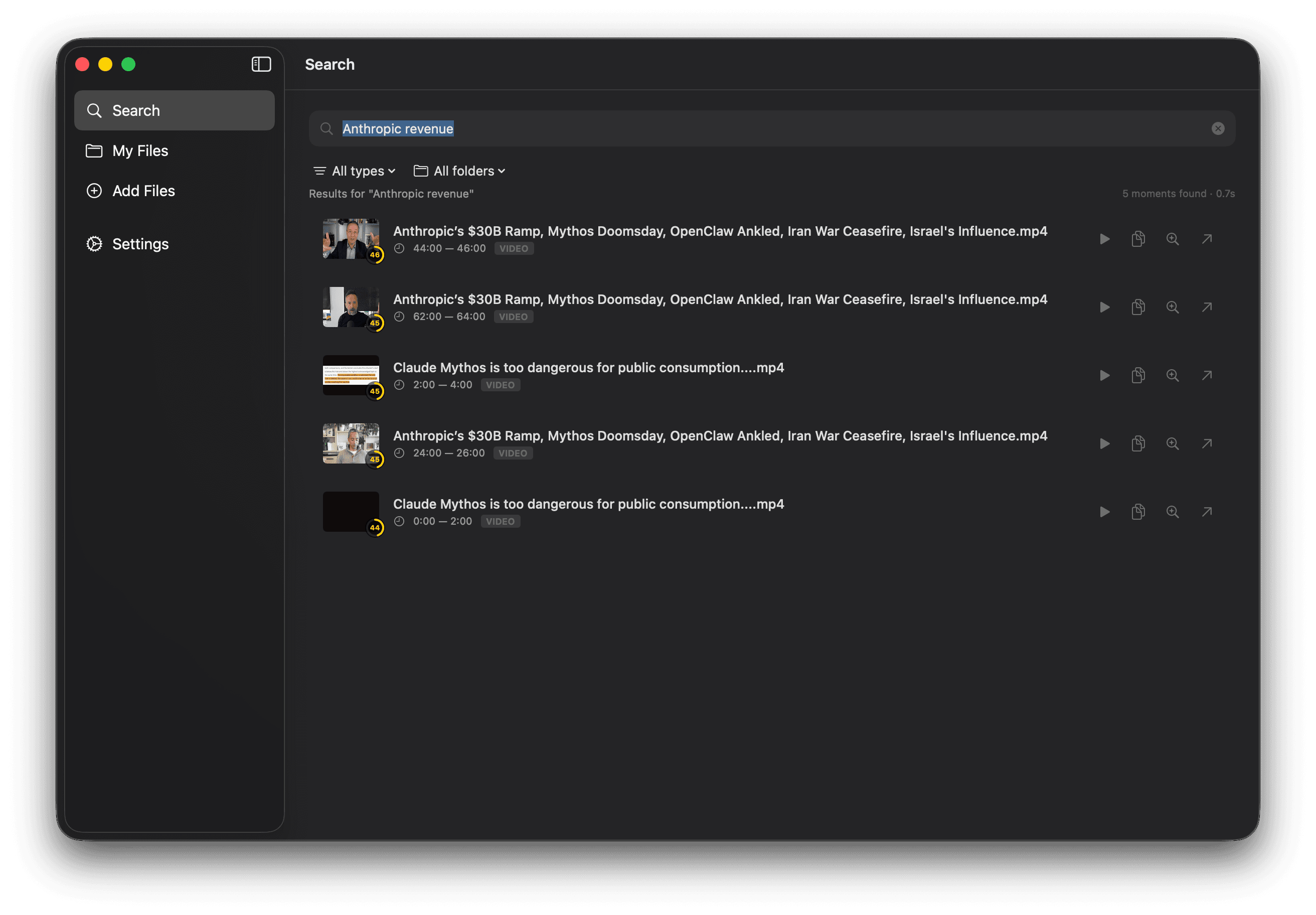
Type what you half-remember — "the clip where she says ramp" — and get the exact moment back. Works offline.
Describe it. Find it.
This isn't keyword matching. HyperArc understands what's inside every clip, so “sunset beach drone shot” returns the shot — even if nothing in the filename says so.
No tags. No metadata. Just describe the scene.
Six parts. One idea:
your library, understood.
Multimodal indexing
One engine for video, audio, images, and PDFs. Every frame, every second, every page — searchable by meaning.
Runs on your machine
Files, embeddings, and search all live locally. The only network call is to Gemini, using your key.
Smart tags
Every segment gets AI-authored tags, so the library is browsable — not just searchable.
Batch workers
Index thousands of clips overnight. Parallel workers keep your API throughput pinned.
Multi-folder library
Point HyperArc at as many folders as you want. Per-folder status, per-folder settings.
Bring your own key
Plug in a Gemini key and own the cost. No middleman. No proxy. No rent.
Your files.
Your machine.
Your key.
HyperArc was built this way because it's the only shape that makes sense. If you have a local library, you want a local tool — not another account, another upload, another pipe out.
The only time HyperArc reaches the internet is when it's first learning your files — and only to Google, with your key. Once it knows them, searching is instant and offline.
People who work with
too much footage.
“Find that one shot from 40 hours of raw footage.”
→“Which video did I say that in? Found it in seconds.”
→“Search 50 hours of interviews by the answer, not the timecode.”
→“Client wants a revision on a specific scene? Ten seconds.”
→“Pull the exact moment in a 2-hour lecture for a clip.”
→“Search thousands of photos by describing the scene.”
→